FAQ

How do I confirm if my Coolleo cooler is compatible with my motherboard?
Most Coolleo coolers support mainstream CPU sockets, namely AM4, AM5, and Intel 115X/1200/1700/1851. Some customized models may only support a limited number of CPU sockets. Please check the product details for specific information.
My computer is making strange noises; is the cooler faulty?
The noise usually comes from the fan or water pump. We need to check them one by one. First, disconnect the power to the case fan to see if the noise disappears. Then, briefly disconnect the power to the water pump or cooler fan to check the source of the noise.
My air cooler has heat pipes of varying sizes at the ends. Is this normal?
This is determined by the heat pipe manufacturing process and is normal.
I have a cooler with single-color LED lighting; is there a way to turn off the lights?
Sorry, the single-color LED lights share a power supply with the fan motor and cannot be turned off separately.
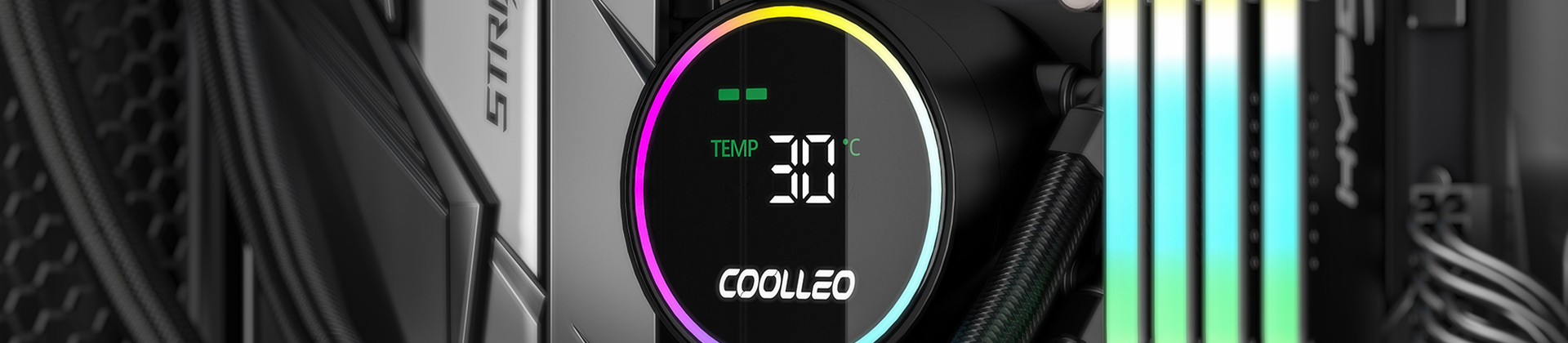
How to connect a cooler with a digital display or LCD screen?
COOLLEO coolers of this type all come with a standard 9-pin USB connector. You need to plug it into a 9-pin USB port on the motherboard. Download the corresponding driver from the COOLLEO website for your model to display correctly.